
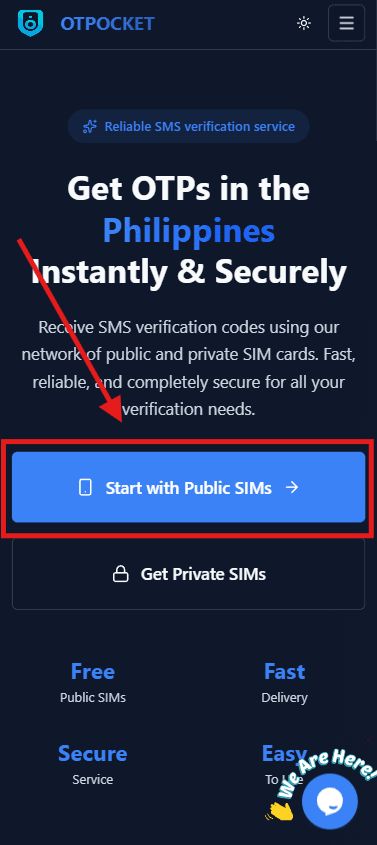
Step 1: Open the Public SIMs page
From the navigation, go to Public SIMs to browse available numbers and recent messages.
Click to preview
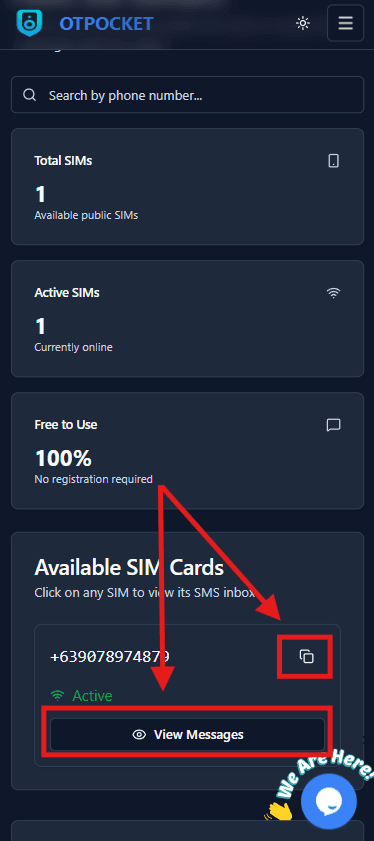
Step 2: Choose an appropriate public number
Select a number that matches the service you want to verify. Review recent messages to confirm it is active.
Click to preview
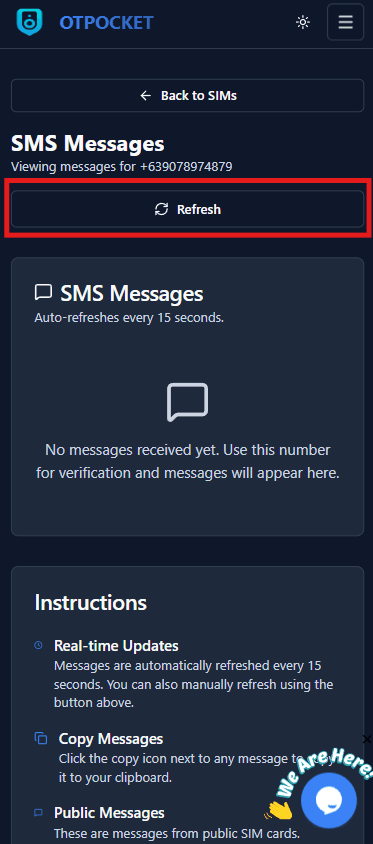
Step 3: Use the number and monitor messages
Use the selected public number for your verification and watch the message feed for the OTP. Remember: messages are public.
Click to preview